Example: Vertical, non-aligned sundial in Madrid,Spain


As an illustrative example, we describe the creation of a vertical, non-aligned (declining) sundial located in Madrid, Spain. The design steps are:

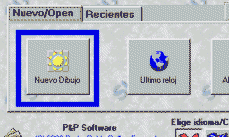
1. START: In the opening screen, select New Design: nuevo_dibujo.gif

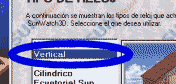
2. TYPE:
Select the sundial type vertical, demo_vert.gif and select the button Next.

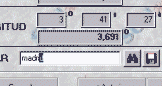
3.
LOCATION Input the text MADRID (MADRI) and obtain the geographical coordinates. demo_madrid.gif and select the button Next.

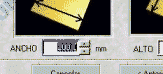
4. DIMENSIONS: Input the required sundial dimension or use the program defaults
demo_dim.gif and select the button Next.

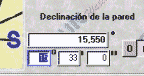
5. ORIENTATION: Input the orientation of the wall, demo_dec.gif that has been previously measured. (See: calculation of the orientation) and select the button Next.
6. TIME THAT WILL BE READ: Select what method of time will be read on the clock face. Choose
Civil Time for the program to apply the corrections and select the buttons Next and Finish.

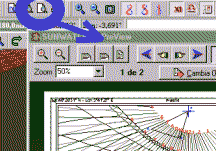
7. PRINT the generated sundial, demo_pre.gif, to obtain the clock design.

8. Finally, place the sundial in its final location by using the printout or by copying the lines generated by the program. Place the accurately dimensioned gnomon so that it corresponds to the exact location on the clock face printout.